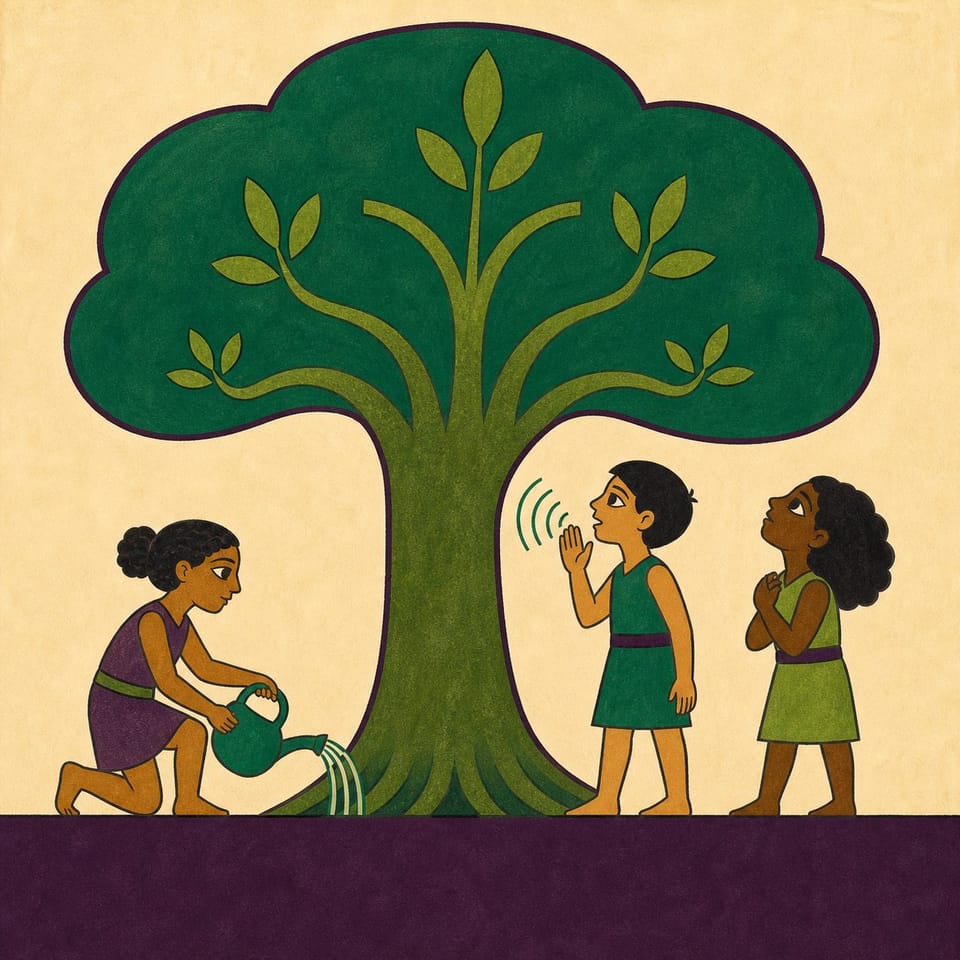
Engage grades 2-5 in coding an interactive story with speech recognition while committing to tree conservation. Perfect for Earth Day and Arbor Day activities.
Pacing
1 class · 60 min
Grade
K
Coding
Beginner
Students codePlayer ActionsSpeech RecognitionScale
Opens a private practice project in the Studio — no account needed.
What do living things need, and who helps them get it?
Students will be able to
Design a short interactive story featuring a tree using various images, backgrounds, and text.
Code speech recognition to help the tree grow within the story.
Write a 'Tree Keeper Promise' detailing how they will care for trees.
Key vocabulary
rootsseedtrunk
Assessment
Formative
Use milestone checks, organizer responses, and daily test evidence to guide feedback.
Summative
The fact accurately connects a tree need to growth, and the promise describes a realistic action that supports that need. Saying the intended word produces the promised growth response, and the title and pages form a coherent short tree story.
The student journey
This is a build — not a worksheet packet
Every lesson runs like the story students are about to make: read it, write it, build it, polish it, publish it. The printables scaffold each stage — the published Elementari project is the destination.
1
📖
Read
Students read a short, high-interest passage — a real-world hook, not a dry textbook definition — to spark ideas for what they'll make.
📖The Biggest Tree on Earth Started Smaller Than Your Fingernail
In a forest in California stands the biggest tree on Earth. It is called General Sherman. It is taller than a 20-story building, and wider than a classroom. Now here is the amazing part. That giant began as a seed smaller than your fingerna…
In the studio, students bring the project to life — adding art and following the exact writing and coding steps shown below. The Studio Compass walks them through it, one step at a time.
🧭Studio CompassStep 1 / 6
Pre-Writing with Your Worksheet 📘
Think about what trees needs to grow. Draw your ideas and write a few words on how you will help your tree. Use the worksheet to help ( PDF or Google Doc ).
Key words — tap to learnon pronounce block
Each step checks off & advances on its own
All 6 studio steps · dynamic to the project
1Pre-Writing with Your Worksheet 📘
2Create Your Story Title 🌟
3Write About Tree Needs 🌱
4Help Your Tree Grow with Your Voice 🎤
5Make a Tree Keeper Promise 🌳
6Finish and Share Your Story 🤗
4
🔁
Polish
ongoing
Teacher and peer feedback pin right onto the project — students revise until it's ready to share.
Feedback on the project2 pins
🍎
Add one more sentence here so readers get the full picture.
👍 2Teacher
A
The interaction is clear — it helps the reader follow the project!
A couple of things to gather, a few quick steps to prep — then you're ready to hand it to students.
What you need
One device per student or pair
Internet connection
Student Kit or printed organizer
Working microphone
Quiet space for voice-command testing
A device per student or pair
A microphone (for recording or speech-trigger activities)
Prep before class
1Preview the designated builder story.
2Review the ordered milestones and Student Kit.
3Decide whether students work independently or in pairs.
Teacher background
What you need to know
Students learn that a tree grows by slowly gathering what it cannot ask for: water through its roots, light and air through its leaves, and a great deal of time. Because a tree cannot speak for itself, people who care for trees speak and act for them. They apply this by coding a tree that grows when its needs are spoken aloud, then writing a Tree Keeper Promise to real trees.
Key terms
roots
the parts of a tree that grow underground and drink water
seed
the tiny beginning of a plant
trunk
the thick main stem of a tree
Watch for these misconceptions
✕
The sentence lists a resource but does not explain how it supports growth. →Add because and name the root, leaf, or growth process involved.
✕
The spoken trigger word differs from the important word in the sentence. →Circle the exact word the READER will say and select that same word in the pronounce event.
Standards alignment
Aligned to the standards you teach
Every task maps to a specific standard, so planning and reporting are covered.
Tracking 7 frameworks: Common Core ELA, Common Core Math, NGSS +4
Test and debug a program or algorithm to ensure it runs as intended.
1A-AP-12
Develop plans that describe a program’s sequence of events, goals, and expected outcomes.
Also addressed1B-AP-13 · 1A-AP-15 · 1B-AP-11 · 1B-AP-17
ISTE
ISTE Standards for Students
11 standards
ISTE 1.4.a
Students know and use a deliberate design process for generating ideas, testing theories, creating innovative artifacts, or solving authentic problems.
ISTE 1.4.c
Students develop, test, and refine prototypes as part of a cyclical design process.
ISTE 1.6.d
Students publish or present content that customizes the message and medium for their intended audiences.
ISTE 1.5.d
Students understand how automation works and use algorithmic thinking to develop a sequence of steps to create and test automated solutions.
Also addressedISTE 1.3.a · ISTE 1.3.b · ISTE 1.1.c · ISTE 1.6.b · ISTE 1.6.c · ISTE 1.5.c · ISTE 1.3.d
AASL
AASL National School Library Standards
3 standards
AASL I.A.1
Learners display curiosity and initiative by formulating questions about a personal interest or a curricular topic.
Also addressedAASL I.B.1 · AASL I.B.3
NGSS
Next Generation Science Standards
1 standard
NGSS 2-LS2-1
Plan and conduct an investigation to determine if plants need sunlight and water to grow.
Full task-by-task mapping — including Depth of Knowledge — is in the answer key.
Differentiation & accessibility
Built to reach every learner
One lesson, three built-in paths — with accessibility baked into the materials, not bolted on afterward.
Extra support
Emerging readers & writers
Read-aloud and multilingual support in the Elementari build
Studio Compass highlights one task at a time — including the coding
Sentence frames and a word bank so it is never a blank page
On grade
The core lesson
The passage and storyboard exactly as written
Model answers and “look-fors” in the answer key
Self-check chips at every milestone
Ready for more
Extension & challenge
Challenge vocabulary and a real-world extension question
Deepen one existing page or interaction — without changing the required mechanics
A longer, evidence-based reflection prompt
Accessibility, built inPredictable step-by-step structureOne task at a time · Studio CompassHighlighted response areasLow-stimulation printMovement-friendly pacingDesigned so every student can design, write, and code — with ADHD, autism, and dyslexia in mind.
Questions
Teacher FAQ
Do I — or my students — need to know how to code?
No. Coding concepts are introduced in plain language exactly when students need them, and Studio Compass confirms each milestone so students keep moving without you troubleshooting. The teacher guide walks you through the whole build, answers included.
How long does this lesson take?
About 50, paced into 45-minute class periods. You can spread it out or compress it — students pick up where they left off, so it doesn't have to finish in one sitting.
What devices does this lesson work on?
Students can read, write, code, and publish on Chromebooks, iPads, tablets, laptops, or desktops. All they need is a modern browser — nothing to download or install.
What is Studio Compass?
Studio Compass is the step-by-step guide inside the Studio. It shows students what to do next, identifies the exact coding blocks they need, and confirms completed milestones so they can keep moving independently.
How does this lesson support different learners?
This lesson includes read-to-me with synchronized highlighting, a built-in glossary, and picture-based storyboarding, with writing and coding scaffolds you can dial up or down. Students can work with guided support or more independently — and still finish the same project.
Ready when you are
Bring this lesson to your class
Import your class, assign in one click, and watch them build — the whole kit comes with it.