Identify story structure elements such as beginning, middle, end, setting, conflict, and resolution.
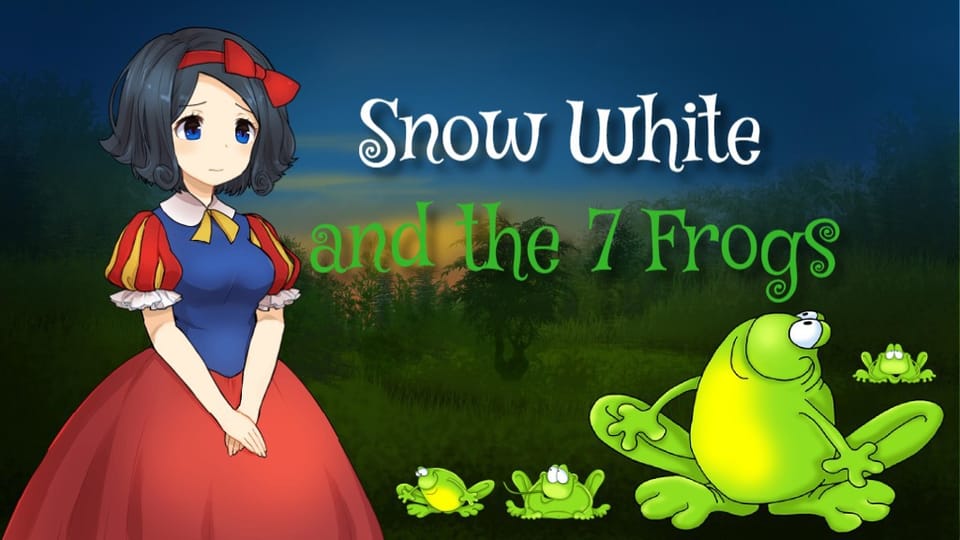
Remix classic fairy tales by mixing and matching characters and settings.
Code background music and voiceovers to enhance their fairy tale remixes.
Publish and share their stories on Elementari, receiving and discussing feedback from peers.
The student journey
This is a build — not a worksheet packet
Every lesson runs like the story students are about to make: read it, write it, build it, polish it, publish it. The printables scaffold each stage — the published Elementari project is the destination.
1
✏️
Write & plan
~15 min
On a scaffold built for the lesson, students plan their writing with sentence frames, a word bank, and a glossary — never a blank page.
1Student Kit · sneak peek
Planning questions for this lesson are included in the storyboard.
Glossary a kid-friendly definition for every key term
In the studio, students bring the project to life — adding art and following the exact writing and coding steps shown below. The Studio Compass walks them through it, one step at a time.
🧭Studio CompassStep 1 / 12
Think of Some Fairy Tales 🏰
Explore the list of 20 popular fairy tales and consider how you can put your own spin on them . Here are some prompts to get you started: Imagine a new ending for one tale. Swap ro
Each step checks off & advances on its own
All 12 studio steps · dynamic to the project
1Think of Some Fairy Tales 🏰
2Choose Fairy Tale Characters 🔍
3Plan Your Story ✍️
4Code a Cover Slide 😎
5Introduce Your Main Character 👸🏽
6Set the Scene 🏰
7Introduce the Conflict 🚩
8The Rising Action 💥
9Climax ⛰️
10Resolution ✨
11Create a closing slide 👏
12Enhance Your Story 🎨
3
🔁
Polish
ongoing
Teacher and peer feedback pin right onto the project — students revise until it's ready to share.
Feedback on the project2 pins
🍎
Add one more sentence here so readers get the full picture.
👍 2Teacher
A
The interaction is clear — it helps the reader follow the project!
Common Core State Standards — English Language Arts
6 standards
CCSS.ELA-LITERACY.SL.4.4
Report on a topic or text, tell a story, or recount an experience in an organized manner, using appropriate facts and relevant, descriptive details to support main ideas or themes; speak clearly at an understandable pace.
Also addressedCCSS.ELA-LITERACY.SL.4.5 · CCSS.ELA-LITERACY.W.4.3 · CCSS.ELA-LITERACY.W.4.3.a · CCSS.ELA-LITERACY.W.4.3.b · CCSS.ELA-LITERACY.W.4.6
CSTA
CSTA K–12 Computer Science Standards
5 standards
1B-AP-10
Create programs that include sequences, events, loops, and conditionals.
Also addressed1B-AP-11 · 1B-AP-12 · 1B-AP-15 · 1B-IC-18
ISTE
ISTE Standards for Students
11 standards
ISTE 6a
Students choose the appropriate platforms and tools for meeting the desired objectives of their creation or communication.
Also addressedISTE 6b · ISTE 6d · ISTE 6c · ISTE 5a · ISTE 5c · ISTE 7a · ISTE 4d · ISTE 4c · ISTE 4a · ISTE 4b
AASL
AASL National School Library Standards
4 standards
AASL I.A.2
Recalling prior and background
knowledge as context for new
meaning
Also addressedAASL I.B.3 · AASL I.C.1 · AASL I.C.4
Full task-by-task mapping — including Depth of Knowledge — is in the answer key.
Differentiation & accessibility
Built to reach every learner
One lesson, three built-in paths — with accessibility baked into the materials, not bolted on afterward.
Extra support
Emerging readers & writers
Read-aloud and multilingual support in the Elementari build
Studio Compass highlights one task at a time — including the coding
Sentence frames and a word bank so it is never a blank page
On grade
The core lesson
The passage and storyboard exactly as written
Model answers and “look-fors” in the answer key
Self-check chips at every milestone
Ready for more
Extension & challenge
Challenge vocabulary and a real-world extension question
Deepen one existing page or interaction — without changing the required mechanics
A longer, evidence-based reflection prompt
Accessibility, built inPredictable step-by-step structureOne task at a time · Studio CompassHighlighted response areasLow-stimulation printMovement-friendly pacingDesigned so every student can design, write, and code — with ADHD, autism, and dyslexia in mind.
Questions
Teacher FAQ
Do I — or my students — need to know how to code?
No. Coding concepts are introduced in plain language exactly when students need them, and Studio Compass confirms each milestone so students keep moving without you troubleshooting. The teacher guide walks you through the whole build, answers included.
How long does this lesson take?
About 115, paced into 45-minute class periods. You can spread it out or compress it — students pick up where they left off, so it doesn't have to finish in one sitting.
What devices does this lesson work on?
Students can read, write, code, and publish on Chromebooks, iPads, tablets, laptops, or desktops. All they need is a modern browser — nothing to download or install.
What is Studio Compass?
Studio Compass is the step-by-step guide inside the Studio. It shows students what to do next, identifies the exact coding blocks they need, and confirms completed milestones so they can keep moving independently.
How does this lesson support different learners?
This lesson includes read-to-me with synchronized highlighting, a built-in glossary, and picture-based storyboarding, with writing and coding scaffolds you can dial up or down. Students can work with guided support or more independently — and still finish the same project.
Ready when you are
Bring this lesson to your class
Import your class, assign in one click, and watch them build — the whole kit comes with it.