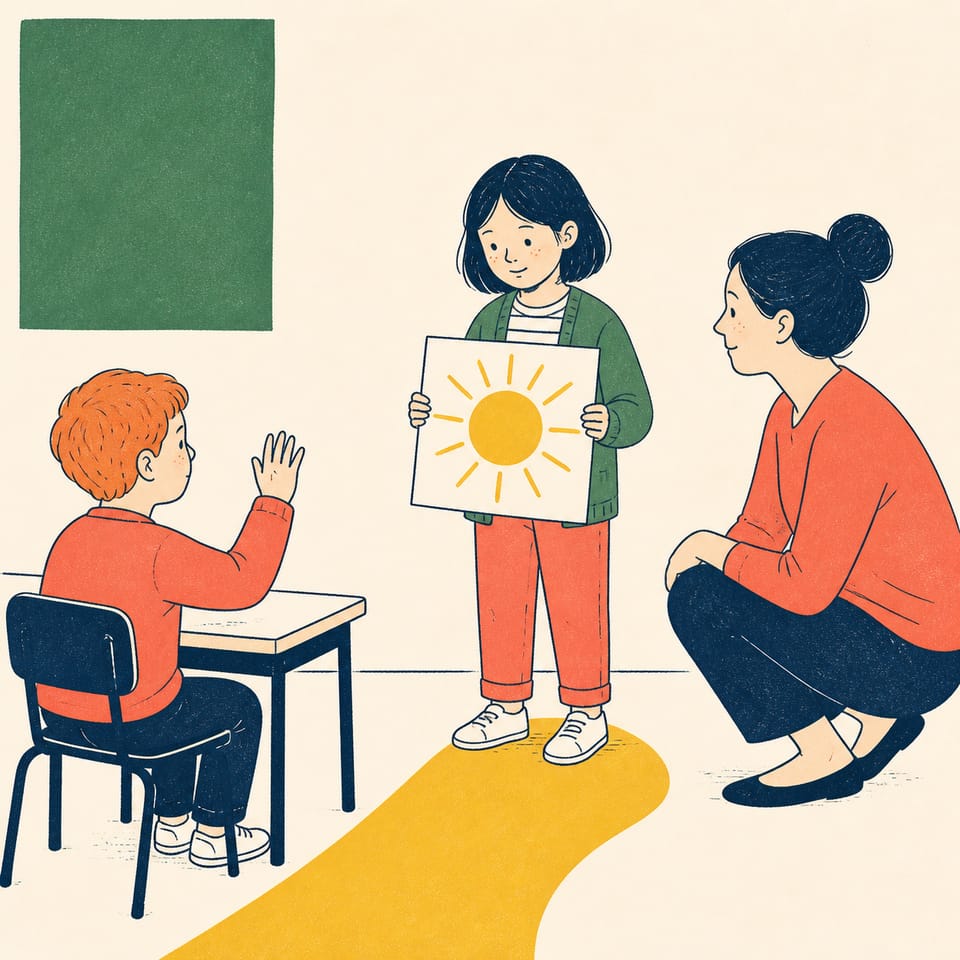
Comment commencer une courte conversation en classe ?
Students will be able to
Écris trois phrases que tu dis en français.
Utilise bonjour, je m'appelle + prénom, et voici + objet/personne.
Assemble les phrases en un court dialogue oral.
Assessment
Formative
Brouillons de l'organisateur, billets de sortie et vérifications entre pairs.
Summative
Un récit interactif publié et jouable.
The student journey
This is a build — not a worksheet packet
Every lesson runs like the story students are about to make: read it, write it, build it, polish it, publish it. The printables scaffold each stage — the published Elementari project is the destination.
1
📖
Read
Students read a short, high-interest passage — a real-world hook, not a dry textbook definition — to spark ideas for what they'll make.
📖Bonjour, Léo !
Ceci est un texte mentor original créé pour cette leçon.…
In the studio, students bring the project to life — adding art and following the exact writing and coding steps shown below. The Studio Compass walks them through it, one step at a time.
🧭Studio CompassStep 1 / 3
TITLE PAGE
Write your title.
Key words — tap to learnOn Pronounce
Each step checks off & advances on its own
All 3 studio steps · dynamic to the project
1TITLE PAGE
2Construis l'ouverture
3Construis la fin
4
🔁
Polish
ongoing
Teacher and peer feedback pin right onto the project — students revise until it's ready to share.
Feedback on the project2 pins
🍎
Add one more sentence here so readers get the full picture.
👍 2Teacher
A
The interaction is clear — it helps the reader follow the project!
A couple of things to gather, a few quick steps to prep — then you're ready to hand it to students.
What you need
A device per student or pair
Internet connection
A microphone (for recording or speech-trigger activities)
Prep · about 10 min
1Print the student kits
2Assign this lesson to your students
3Skim the build steps
Teacher background
What you need to know
Des phrases courtes et répétables (Bonjour; Je m'appelle; Voici) permettent aux élèves d'initier un salut, de dire leur nom et de montrer un objet ou une personne en classe.
Watch for these misconceptions
✕
Salutation absente ou incomplète →Montrez l'exemple du texte modèle et demandez: « Quelles trois mots entendons‑nous au début ? » puis relancez les élèves à répéter la phrase.
✕
Formulation du nom sans la structure « Je m'appelle » →Demandez aux élèves d'écouter la phrase modèle et complétez ensemble la phrase « Je m'appelle... » comme un chœur avant qu'ils écrivent.
✕
L'animation ne se déclenche pas lorsque l'élève prononce le mot →En classe, testez la prononciation attendue et vérifiez que la zone de déclenchement contient exactement le mot « Voici » ou la phrase ciblée; corrigez l'orthographe/casse si nécessaire.
Differentiation & accessibility
Built to reach every learner
One lesson, three built-in paths — with accessibility baked into the materials, not bolted on afterward.
Extra support
Emerging readers & writers
Read-aloud and multilingual support in the Elementari build
Studio Compass highlights one task at a time — including the coding
Sentence frames and a word bank so it is never a blank page
On grade
The core lesson
The passage and storyboard exactly as written
Model answers and “look-fors” in the answer key
Self-check chips at every milestone
Ready for more
Extension & challenge
Challenge vocabulary and a real-world extension question
Deepen one existing page or interaction — without changing the required mechanics
A longer, evidence-based reflection prompt
Accessibility, built inPredictable step-by-step structureOne task at a time · Studio CompassHighlighted response areasLow-stimulation printMovement-friendly pacingDesigned so every student can design, write, and code — with ADHD, autism, and dyslexia in mind.
Questions
Teacher FAQ
Do I — or my students — need to know how to code?
No. Coding concepts are introduced in plain language exactly when students need them, and Studio Compass confirms each milestone so students keep moving without you troubleshooting. The teacher guide walks you through the whole build, answers included.
How long does this lesson take?
About 3 days, paced into 45-minute class periods. You can spread it out or compress it — students pick up where they left off, so it doesn't have to finish in one sitting.
What devices does this lesson work on?
Students can read, write, code, and publish on Chromebooks, iPads, tablets, laptops, or desktops. All they need is a modern browser — nothing to download or install.
What is Studio Compass?
Studio Compass is the step-by-step guide inside the Studio. It shows students what to do next, identifies the exact coding blocks they need, and confirms completed milestones so they can keep moving independently.
How does this lesson support different learners?
This lesson includes read-to-me with synchronized highlighting, a built-in glossary, and picture-based storyboarding, with writing and coding scaffolds you can dial up or down. Students can work with guided support or more independently — and still finish the same project.
Ready when you are
Bring this lesson to your class
Import your class, assign in one click, and watch them build — the whole kit comes with it.