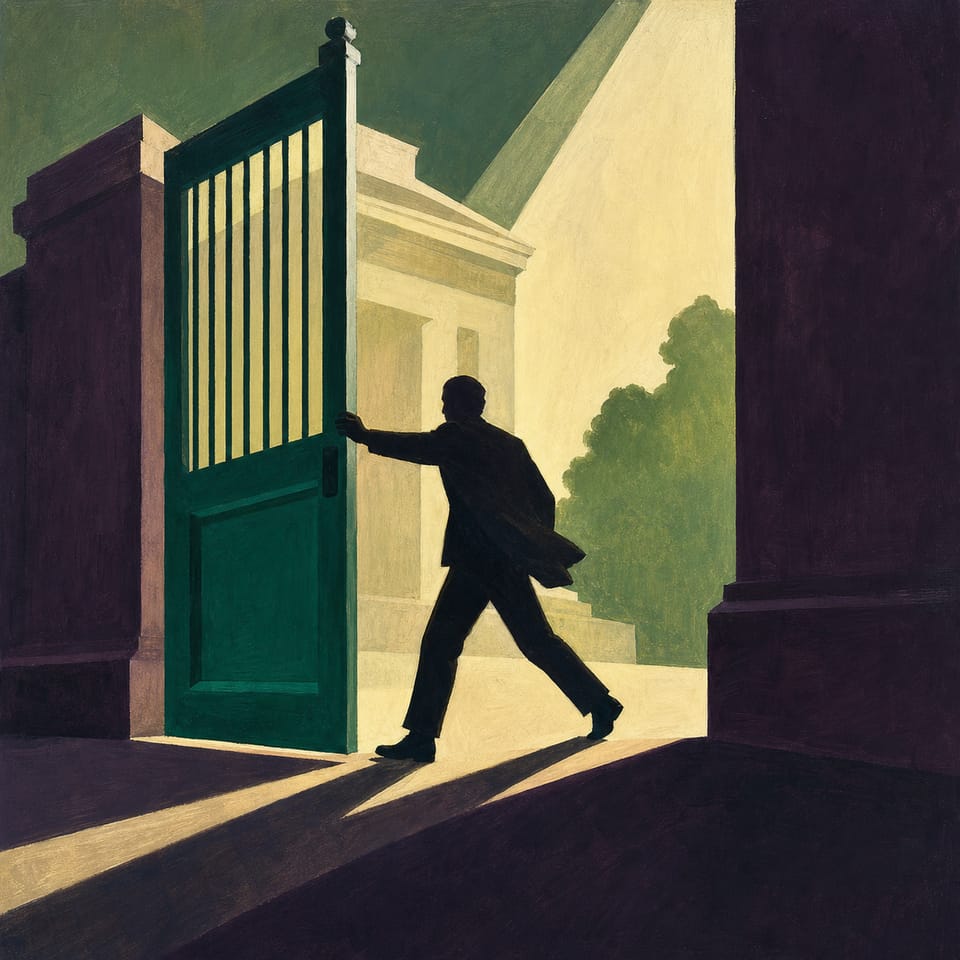
Research a real historical figure, write a branching narrative, and code an interactive story with multiple endings using Elementari’s storytelling tools.
Pacing
3 classes · 180 min
Grade
Grade 9
Coding
Advanced
Students codePlayer ActionsOn Page StartSequenceConditionals
Opens a private practice project in the Studio — no account needed.
How do individual choices interact with unjust systems to produce change?
Students will be able to
Research a real historical trailblazer and the injustice they challenged.
Analyze a pivotal decision and explore its risks, consequences, and impact.
Write a branching narrative that includes one real choice and one illusion of choice.
Code interactive logic using variables, conditional endings, and button navigation in Elementari.
Reflect on the real-life outcome and connect it to their own story's message.
Key vocabulary
boycottplaintiffsegregationconstraint
Assessment
Formative
Use milestone checks, organizer responses, and daily test evidence to guide feedback.
Summative
Every factual claim is sourced, every imagined route is labeled, both choices are understandable, and the endings avoid invented private thoughts or victim-blaming. Choice buttons, point changes, converging routes, comparison logic, and both endings behave exactly as the route map states.
The student journey
This is a build — not a worksheet packet
Every lesson runs like the story students are about to make: read it, write it, build it, polish it, publish it. The printables scaffold each stage — the published Elementari project is the destination.
1
📖
Read
Students read a short, high-interest passage — a real-world hook, not a dry textbook definition — to spark ideas for what they'll make.
📖The Girl Who Would Not Stand Up
March 2, 1955. Montgomery, Alabama. A city bus fills up on the ride home from school, and the driver orders four Black passengers to give up their row so a white woman can sit. Three of them rise. The fourth — a fifteen-year-old student nam…
In the studio, students bring the project to life — adding art and following the exact writing and coding steps shown below. The Studio Compass walks them through it, one step at a time.
🧭Studio CompassStep 1 / 13
Choose & Research a Justice Trailblazer 📋
Choose a historical figure from the Justice Trailblazers List to research. Identify the injustice they faced and pinpoint a key moment of decision. Complete the Justice Simulator O
Key words — tap to learnon page start block
Each step checks off & advances on its own
All 13 studio steps · dynamic to the project
1Choose & Research a Justice Trailblazer 📋
2Create the Title Page (Page 1) 🖼️
3Write Setup Page (Page 2) 🌍
4Write Real Choice (Page 3) ⚖️
5Code Real Choices (Page 3) 🎮
6Outcome of Bold Action (Page 4) 🌟
7Outcome of Safe Action (Page 5)😶
8Illusion of Choice (Page 6) 🌀
9Write Logic Check (Page 7) 🔁
10Write Justice Ending (Page 8) 🌟
11Inaction Ending (Page 9) 💬
12Code Logic Check (Page 7) 🔁
13Polish & Publish 🧼
4
🔁
Polish
ongoing
Teacher and peer feedback pin right onto the project — students revise until it's ready to share.
Feedback on the project2 pins
🍎
Add one more sentence here so readers get the full picture.
👍 2Teacher
A
The interaction is clear — it helps the reader follow the project!
A couple of things to gather, a few quick steps to prep — then you're ready to hand it to students.
What you need
A device per student or pair
Internet connection
Prep · about 10 min
1Print the student kits
2Assign this lesson to your students
3Skim the build steps
Teacher background
What you need to know
Students learn that courageous choices are made under constraint — the "options" an unjust system offers are designed so that dignity and safety cannot both be chosen. They apply this by researching a real trailblazer, reconstructing the actual decision that person faced, and building both outcomes honestly: a bold path with real costs and a safe path with real logic, so the player understands why the choice mattered before seeing what history did.
Key terms
boycott
an organized refusal to use a service or buy from a business as a protest
plaintiff
a person who brings a case against another party in a court of law
segregation
the enforced separation of people by race
constraint
a limit that controls which choices are truly available
Watch for these misconceptions
✕
The simulation presents an invented private decision or emotion as documented fact. →Label the scene as simulated and move verified history into a separate sourced sentence.
✕
A safer response is framed as cowardice or as the cause of systemic injustice. →Rewrite both options as understandable under unequal conditions and locate responsibility in the system, not the individual.
✕
The points variable appears to measure justice or moral worth. →Call it a simulation score and state explicitly that it does not measure real courage, impact, or justice.
Standards alignment
Aligned to the standards you teach
Every task maps to a specific standard, so planning and reporting are covered.
Tracking 7 frameworks: Common Core ELA, Common Core Math, NGSS +4
CCSS · ELA6CSTA3ISTE11AASL3C315 frameworks · 24 standards · DOK 3
CCSS · ELA
Common Core State Standards — English Language Arts
6 standards
CCSS.ELA-LITERACY.W.9-10.2
Write informative/explanatory texts to examine a topic and convey ideas and information clearly.
CCSS.ELA-LITERACY.W.9-10.5
With guidance and support from peers and adults, develop and strengthen writing as needed by planning, revising, editing, rewriting, or trying a new approach.
CCSS.ELA-LITERACY.W.9-10.7
Conduct short research projects to answer a question, drawing on several sources and generating additional related questions when appropriate.
CCSS.ELA-LITERACY.W.9-10.8
Gather relevant information from multiple authoritative print and digital sources, assess source credibility and accuracy, quote or paraphrase while avoiding plagiarism, and follow a standard citation format.
Also addressedCCSS.ELA-LITERACY.W.9-10.1 · CCSS.ELA-LITERACY.W.9-10.6
CSTA
CSTA K–12 Computer Science Standards
3 standards
3A-AP-16
Design and iteratively develop computational artifacts for practical intent, personal expression, or to address a societal issue.
3A-AP-19
Systematically design and develop programs for broad audiences by incorporating feedback from users.
Also addressed3A-AP-23
ISTE
ISTE Standards for Students
11 standards
ISTE 1.4.a
Students know and use a deliberate design process for generating ideas, testing theories, creating innovative artifacts, or solving authentic problems.
ISTE 1.4.c
Students develop, test, and refine prototypes as part of a cyclical design process.
ISTE 1.6.d
Students publish or present content that customizes the message and medium for their intended audiences.
ISTE 1.5.d
Students understand how automation works and use algorithmic thinking to develop a sequence of steps to create and test automated solutions.
Also addressedISTE 1.3.a · ISTE 1.3.b · ISTE 1.1.c · ISTE 1.6.b · ISTE 1.6.c · ISTE 1.5.c · ISTE 1.3.d
AASL
AASL National School Library Standards
3 standards
AASL I.A.1
Learners display curiosity and initiative by formulating questions about a personal interest or a curricular topic.
Also addressedAASL I.B.1 · AASL I.B.3
C3
C3 Framework for Social Studies State Standards
1 standard
C3 D2.His.14.9-12
Explain multiple causes and effects of events and developments in the past.
Full task-by-task mapping — including Depth of Knowledge — is in the answer key.
Differentiation & accessibility
Built to reach every learner
One lesson, three built-in paths — with accessibility baked into the materials, not bolted on afterward.
Extra support
Emerging readers & writers
Read-aloud and multilingual support in the Elementari build
Studio Compass highlights one task at a time — including the coding
Sentence frames and a word bank so it is never a blank page
On grade
The core lesson
The passage and storyboard exactly as written
Model answers and “look-fors” in the answer key
Self-check chips at every milestone
Ready for more
Extension & challenge
Challenge vocabulary and a real-world extension question
Deepen one existing page or interaction — without changing the required mechanics
A longer, evidence-based reflection prompt
Accessibility, built inPredictable step-by-step structureOne task at a time · Studio CompassHighlighted response areasLow-stimulation printMovement-friendly pacingDesigned so every student can design, write, and code — with ADHD, autism, and dyslexia in mind.
Questions
Teacher FAQ
Do I — or my students — need to know how to code?
No. Coding concepts are introduced in plain language exactly when students need them, and Studio Compass confirms each milestone so students keep moving without you troubleshooting. The teacher guide walks you through the whole build, answers included.
How long does this lesson take?
About 255, paced into 45-minute class periods. You can spread it out or compress it — students pick up where they left off, so it doesn't have to finish in one sitting.
What devices does this lesson work on?
Students can read, write, code, and publish on Chromebooks, iPads, tablets, laptops, or desktops. All they need is a modern browser — nothing to download or install.
What is Studio Compass?
Studio Compass is the step-by-step guide inside the Studio. It shows students what to do next, identifies the exact coding blocks they need, and confirms completed milestones so they can keep moving independently.
How does this lesson support different learners?
This lesson includes read-to-me with synchronized highlighting, a built-in glossary, and picture-based storyboarding, with writing and coding scaffolds you can dial up or down. Students can work with guided support or more independently — and still finish the same project.
Ready when you are
Bring this lesson to your class
Import your class, assign in one click, and watch them build — the whole kit comes with it.