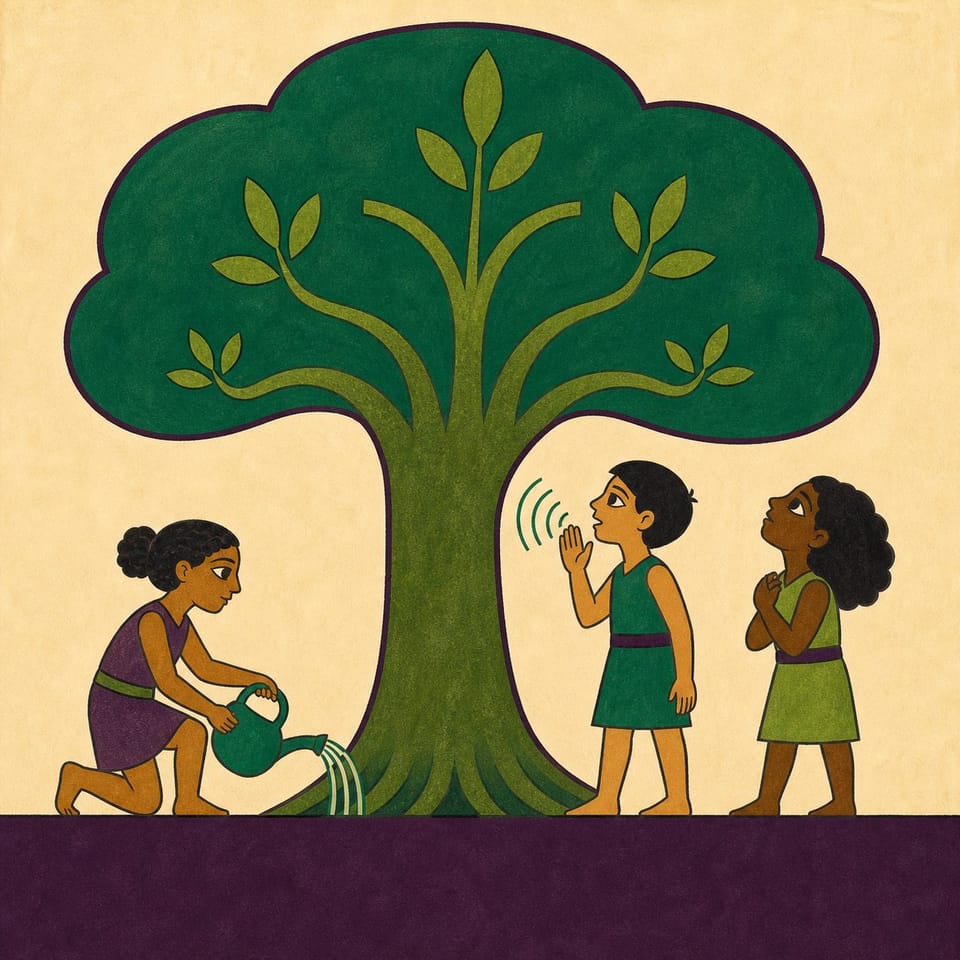
Engage grades 2-5 in coding an interactive story with speech recognition while committing to tree conservation. Perfect for Earth Day and Arbor Day activities.
Rythme
1 class · 60 min
Niveau
K
Codage
Débutant
Les élèves codentActions du lecteurReconnaissance vocaleRedimensionner
Ouvre un projet d’essai privé dans le Studio, sans compte.
Alignée sur les référentielsCCSS · ELACSTAISTEAASLNGSSDOK 2–3
La leçon en un coup d’œil
?
?Question centrale
What do living things need, and who helps them get it?
Les élèves pourront
Design a short interactive story featuring a tree using various images, backgrounds, and text.
Code speech recognition to help the tree grow within the story.
Write a 'Tree Keeper Promise' detailing how they will care for trees.
Vocabulaire clé
rootsseedtrunk
Évaluation
Évaluation formative
Use milestone checks, organizer responses, and daily test evidence to guide feedback.
Évaluation sommative
The fact accurately connects a tree need to growth, and the promise describes a realistic action that supports that need. Saying the intended word produces the promised growth response, and the title and pages form a coherent short tree story.
Le parcours des découvertes
Un projet à créer, pas une série de fiches
Lire, écrire, créer, peaufiner, publier : les supports accompagnent chaque étape jusqu’au projet Elementari publié.
1
📖
Lire
Un texte court, sourcé et captivant ancre le sujet dans le réel et nourrit les idées du projet.
📖The Biggest Tree on Earth Started Smaller Than Your Fingernail
In a forest in California stands the biggest tree on Earth. It is called General Sherman. It is taller than a 20-story building, and wider than a classroom. Now here is the amazing part. That giant began as a seed smaller than your fingerna…
Dans le Studio, les élèves ajoutent les illustrations et suivent les consignes d’écriture et de codage. La Boussole les guide une consigne à la fois.
🧭Boussole du StudioConsigne 1 / 6
Pre-Writing with Your Worksheet 📘
Think about what trees needs to grow. Draw your ideas and write a few words on how you will help your tree. Use the worksheet to help ( PDF or Google Doc ).
Mots-clés — appuie pour en savoir pluson pronounce block
Chaque étape se valide et ouvre automatiquement la suivante
Les 6 étapes du Studio, adaptées au projet
1Pre-Writing with Your Worksheet 📘
2Create Your Story Title 🌟
3Write About Tree Needs 🌱
4Help Your Tree Grow with Your Voice 🎤
5Make a Tree Keeper Promise 🌳
6Finish and Share Your Story 🤗
4
🔁
Peaufiner
tout au long du projet
Les retours de l’enseignant et des camarades sont épinglés sur le projet pour guider les révisions.
Retour sur le projet2 annotations
🍎
Ajoute encore une phrase ici pour que les lecteurs comprennent toute la situation.
👍 2Enseignant
A
L’interaction est claire et guide bien le lecteur !
Quelques éléments à réunir et quelques réglages à effectuer avant de lancer la leçon.
Matériel nécessaire
Un appareil par élève ou par binôme
Une connexion Internet
Un microphone (pour les enregistrements ou les activités déclenchées par la voix)
Préparation · environ 10 min
1Imprimer les dossiers élèves
2Attribuer cette leçon aux élèves
3Parcourir les consignes de création
Repères pour l’enseignant
Ce qu’il faut savoir
Students learn that a tree grows by slowly gathering what it cannot ask for: water through its roots, light and air through its leaves, and a great deal of time. Because a tree cannot speak for itself, people who care for trees speak and act for them. They apply this by coding a tree that grows when its needs are spoken aloud, then writing a Tree Keeper Promise to real trees.
Termes clés
roots
the parts of a tree that grow underground and drink water
seed
the tiny beginning of a plant
trunk
the thick main stem of a tree
Idées fausses à anticiper
✕
The sentence lists a resource but does not explain how it supports growth. →Add because and name the root, leaf, or growth process involved.
✕
The spoken trigger word differs from the important word in the sentence. →Circle the exact word the READER will say and select that same word in the pronounce event.
Alignement sur les référentiels
Alignée sur les référentiels que vous enseignez
Chaque consigne renvoie à une compétence précise : préparation et suivi simplifiés.
Référentiels suivis (7) : Common Core ELA, Common Core Math, NGSS +4
Compétences du XXIe siècleEsprit critiqueCommunicationCréativité
CCSS · ELA10CSTA6ISTE11AASL3NGSS15 référentiels · 31 compétences · DOK 2–3
CCSS · ELA
Common Core State Standards — English Language Arts
10 compétences
CCSS.ELA-LITERACY.W.2.2
Write informative/explanatory texts to examine a topic and convey ideas and information clearly.
CCSS.ELA-LITERACY.W.2.5
With guidance and support from adults and peers, focus on a topic and strengthen writing as needed by revising and editing.
CCSS.ELA-LITERACY.W.2.7
Participate in shared research and writing projects.
CCSS.ELA-LITERACY.W.2.8
Recall information from experiences or gather information from provided sources to answer a question.
Test and debug a program or algorithm to ensure it runs as intended.
1A-AP-12
Develop plans that describe a program’s sequence of events, goals, and expected outcomes.
Compétences également abordées1B-AP-13 · 1A-AP-15 · 1B-AP-11 · 1B-AP-17
ISTE
ISTE Standards for Students
11 compétences
ISTE 1.4.a
Students know and use a deliberate design process for generating ideas, testing theories, creating innovative artifacts, or solving authentic problems.
ISTE 1.4.c
Students develop, test, and refine prototypes as part of a cyclical design process.
ISTE 1.6.d
Students publish or present content that customizes the message and medium for their intended audiences.
ISTE 1.5.d
Students understand how automation works and use algorithmic thinking to develop a sequence of steps to create and test automated solutions.
Compétences également abordéesISTE 1.3.a · ISTE 1.3.b · ISTE 1.1.c · ISTE 1.6.b · ISTE 1.6.c · ISTE 1.5.c · ISTE 1.3.d
AASL
AASL National School Library Standards
3 compétences
AASL I.A.1
Learners display curiosity and initiative by formulating questions about a personal interest or a curricular topic.
Compétences également abordéesAASL I.B.1 · AASL I.B.3
NGSS
Next Generation Science Standards
1 compétence
NGSS 2-LS2-1
Plan and conduct an investigation to determine if plants need sunlight and water to grow.
Le corrigé détaille la correspondance de chaque consigne, niveau DOK compris.
Différenciation et accessibilité
Pensé pour tous les profils d’élèves
Une leçon, trois parcours intégrés. L’accessibilité est prévue dès la conception.
Accompagnement renforcé
Élèves qui débutent en lecture et en écriture
Lecture à voix haute et aide multilingue dans le projet Elementari
La Boussole du Studio affiche une consigne à la fois, codage compris
Modèles de phrases et banque de mots pour ne jamais partir d’une page blanche
Au niveau attendu
La leçon principale
Le texte de lecture et le storyboard, sans adaptation
Réponses modèles et points d’attention dans le corrigé
Des repères d’autoévaluation à chaque étape
Pour aller plus loin
Pour aller plus loin
Vocabulaire enrichi et question de prolongement ancrée dans le réel
Approfondir une page ou une interaction, sans modifier les mécanismes demandés
Consigne de réflexion plus développée, appuyée sur le texte
Accessibilité intégréeDes étapes claires et prévisiblesUne consigne à la fois · Boussole du StudioDes zones de réponse bien visiblesUn support imprimable épuréUn rythme adapté aux besoins de mouvementDes supports conçus pour que chaque élève puisse concevoir, écrire et coder, notamment en cas de TDAH, d’autisme ou de dyslexie.
Questions
FAQ des enseignants
Mes élèves ou moi, devons-nous savoir coder ?
Non. Les notions de codage sont introduites en langage simple, au moment où l’élève en a besoin, et la Boussole du Studio valide chaque étape pour que les élèves avancent sans que vous ayez à dépanner. Le guide pédagogique vous accompagne dans toute la création, corrigé compris.
Combien de temps dure cette leçon ?
Environ 50, répartie en séances de 45 minutes. Vous pouvez l’étaler ou la condenser : les élèves reprennent où ils s’étaient arrêtés, rien n’oblige à tout terminer d’un coup.
Sur quels appareils cette leçon fonctionne-t-elle ?
Les élèves peuvent lire, écrire, coder et publier sur Chromebook, iPad, tablette, ordinateur portable ou ordinateur de bureau. Un navigateur récent suffit : ni téléchargement ni installation.
Qu’est-ce que la Boussole du Studio ?
La Boussole du Studio est le guide pas à pas intégré au Studio. Elle indique aux élèves quoi faire ensuite, désigne les blocs de code exacts dont ils ont besoin et valide les étapes terminées pour qu’ils avancent en autonomie.
Comment cette leçon s’adapte-t-elle aux différents profils d’élèves ?
Cette leçon propose la lecture à voix haute avec surlignage synchronisé, un glossaire intégré et un storyboard illustré, avec des aides à l’écriture et au codage que vous pouvez renforcer ou alléger. Les élèves travaillent avec un accompagnement guidé ou plus librement — et réalisent le même projet.
À votre rythme
Attribuez cette leçon à votre classe
Importez les élèves, attribuez la leçon en un clic et lancez la création. Le dossier pédagogique est inclus.